Get your virtual mailbox in Canada in 5 steps, from sign-up to your first mail scan.
Get Started NowA virtual mailbox from C-Band Mailbox gives you a real street address at a partner location in Canada, where your mail and packages are received, logged and managed online. Whether you are a business owner, a digital nomad travelling abroad or an expat who needs an address back home, you see your mail from any device, wherever you are, without trips to the post office. The location logs every item with an image of the envelope, and you decide what happens next: scan it to PDF, forward it to a saved address, pick it up where the location offers pickup, or securely shred it, as your plan allows. Your mail is handled by the location you choose, under its operator agreement with C-Band Mailbox. Before you have parcels sent there, ask us through our contact page what the location accepts. Whether it is a government notice, a contract from a client or an online order, it arrives at your address and appears in your dashboard once the location has logged it.
From sign-up to your first mail scan, the process is simple and secure. Here's how to get your virtual mailbox set up.
Compare plans and pick a partner location that suits your needs, such as a business address in Ontario, a mailing address in British Columbia or a virtual address in Manitoba.
Sign up online with your name and email and choose a secure password. You pay for your plan at checkout during sign-up.
From your dashboard, upload two different government-issued photo IDs, proof of your current residential address (such as a utility bill, bank statement or government letter dated within the last 3 months) and a selfie holding one of the IDs. The platform checks your identity and the partner location you chose approves your account; both steps happen online.
Your street address and box number appear in your dashboard once your registration payment is confirmed; mail that arrives while your account is under review is received and held. Use your address for correspondence, online shopping and as your business mailing address. It is not a registered office: under the renter terms, the address cannot be used for service of legal process.
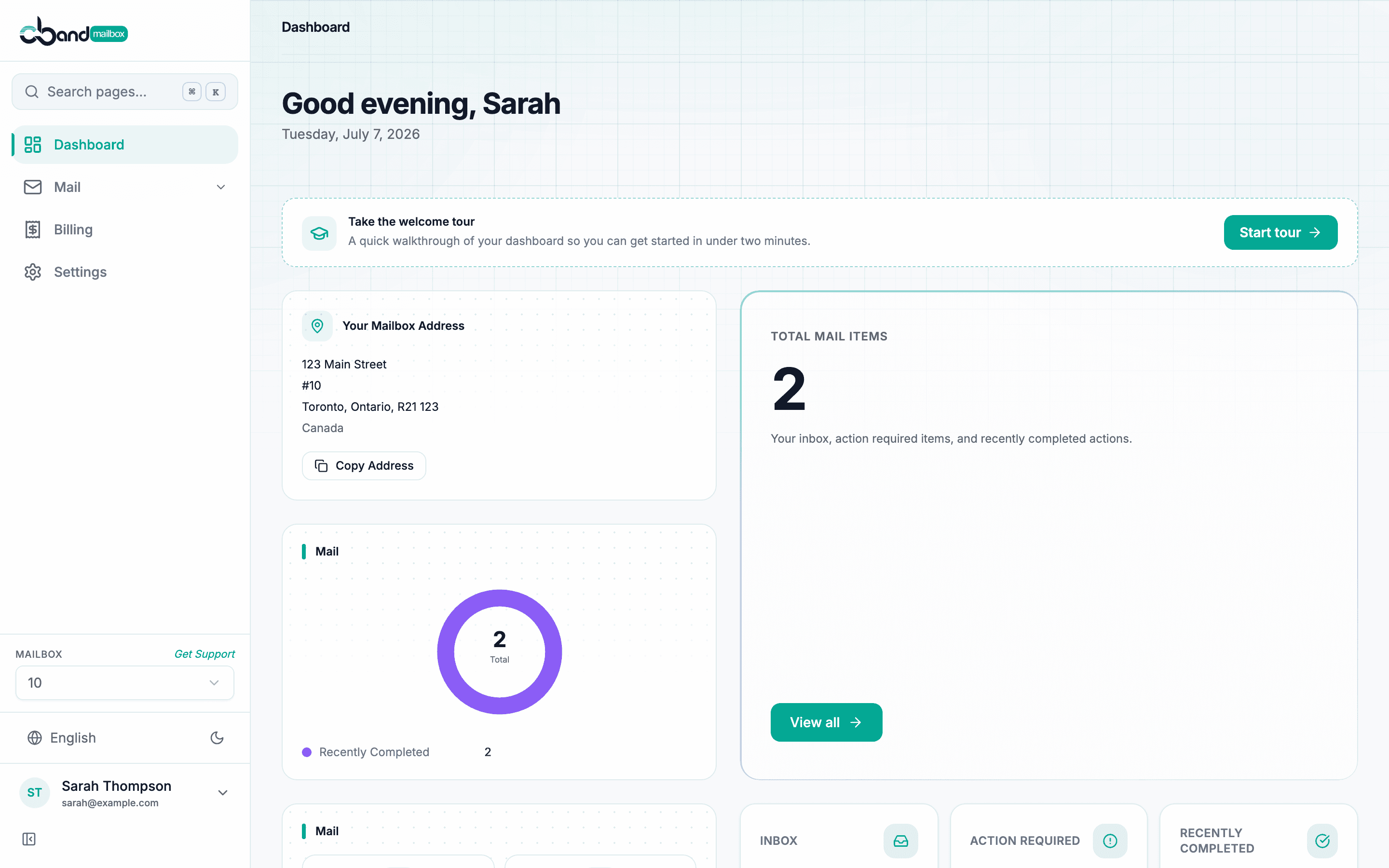
When the location logs your mail and packages, it adds an image of each item to your dashboard, and by default you get an email, plus a push notification in the iOS app if you allow them. From your dashboard, request a scan, a forward to a saved address, or secure shredding, if your plan includes it.
Once your mailbox is active, here's how we handle every piece of mail with care and security.
When mail or packages arrive at your virtual mailbox address, the location's staff receive and log each item. Each item appears in your dashboard with an image of the envelope.
By default you get an email when the location logs new mail, and you can also see it in the iOS app. No more guessing whether your government notice, financial statement or contract has arrived: you know once it is logged.
For each item, you decide what happens next: request a scan to PDF to read it online, forward the original to a saved address, pick it up at the counter where the location offers pickup, or securely shred junk mail and outdated documents, as your plan allows.
Your online dashboard is your mail command centre. View scanned documents, see your forwarded items and, where the location records one, the tracking number, manage your address settings and review your mail history from your computer, tablet or smartphone, wherever you are.
Everything you need to know about how C-Band Mailbox works
Can't find your answer? Contact us