C-Band Mailbox

Mail Notifications - Alerts When Your Mail Is Logged

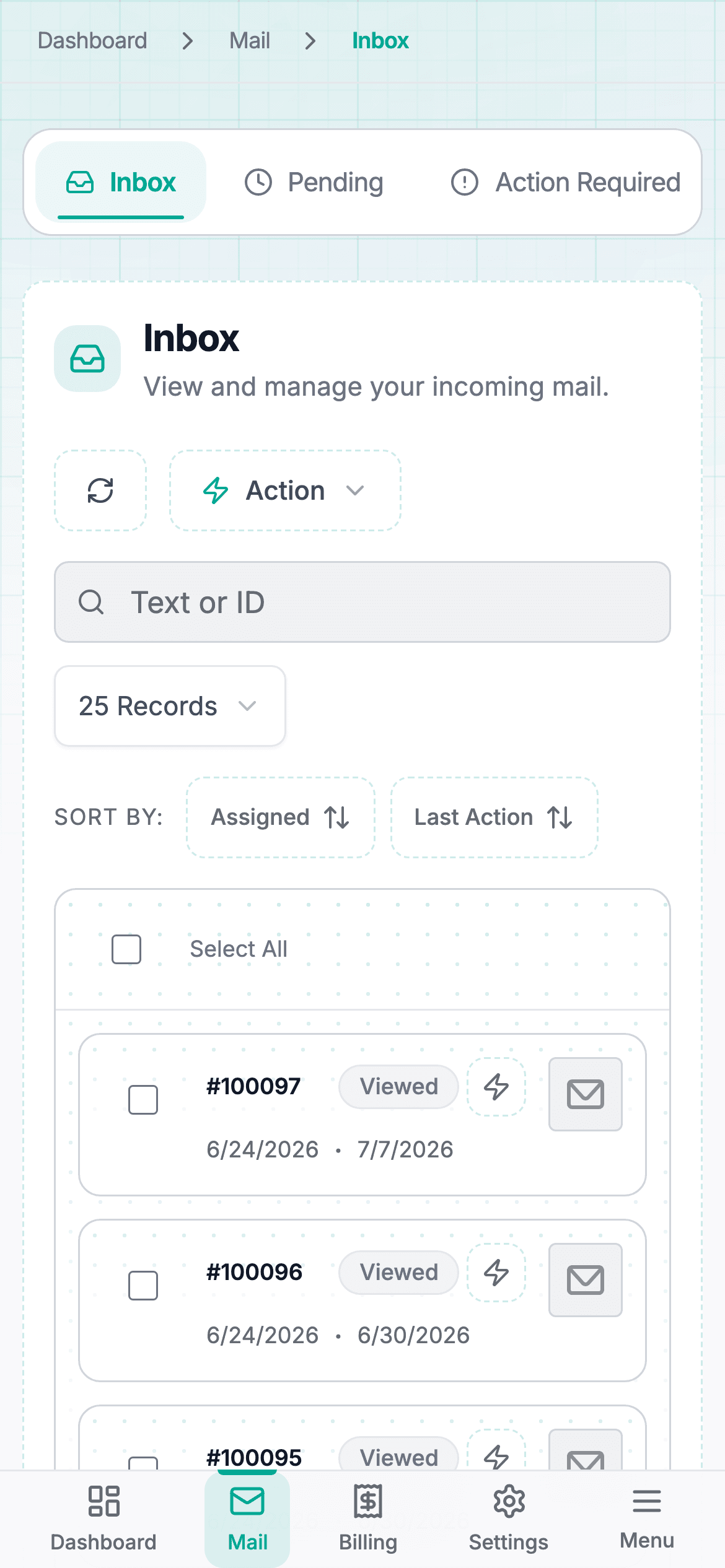
By default you get an email when the location logs new mail or packages at your virtual mailbox, and you can also see it in the iOS app. Know what has arrived without a trip to the mailbox.

Get Started Today

See it in action

One dashboard for your address, your mail and every action, always up to date.
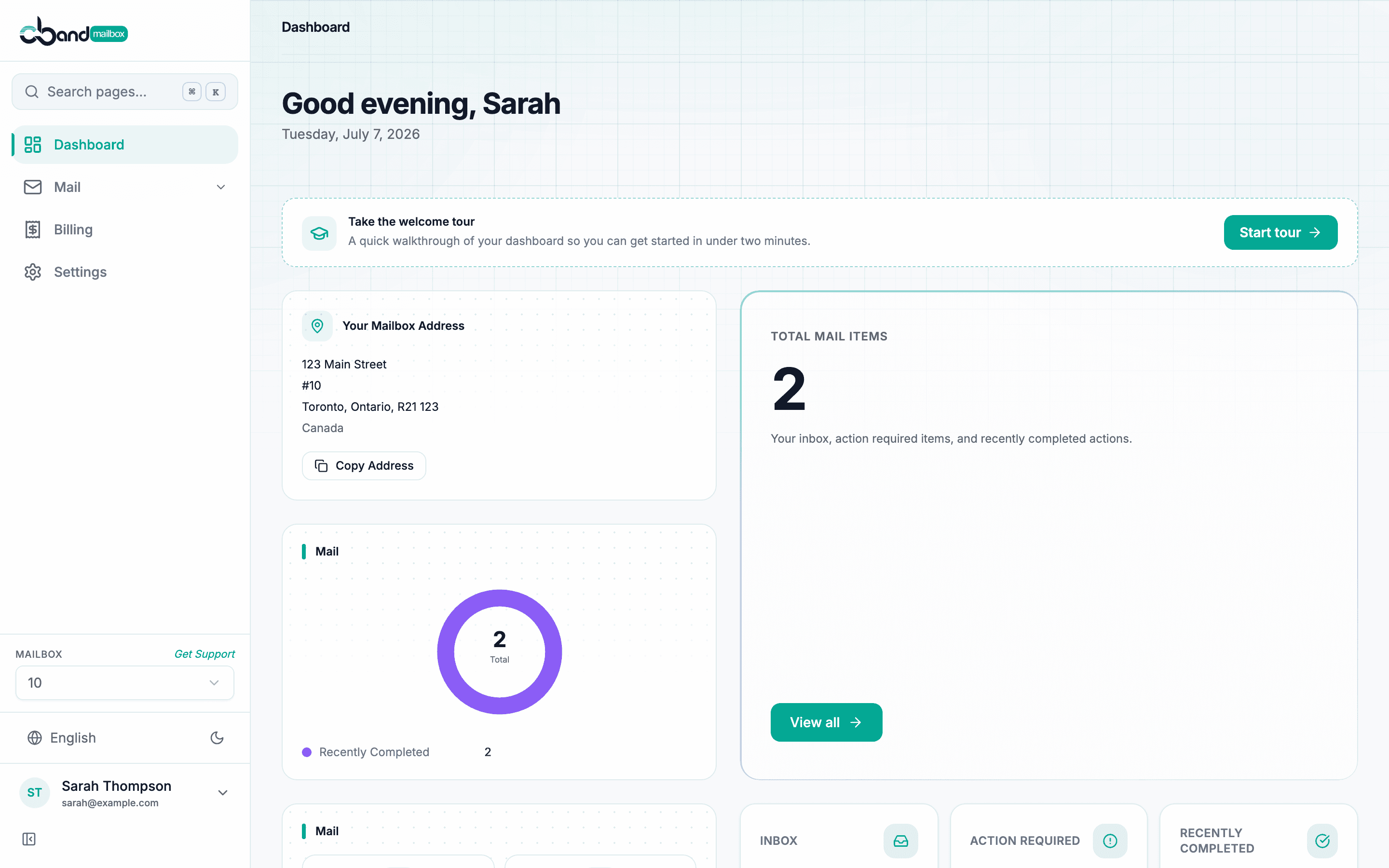
C-Band Mailbox renter dashboard overview

Email Notifications

Multiple Channels

Customizable Settings

What are Mail Notifications & Alerts?

Mail notifications tell you when the location logs new mail at your address. By default you get an email, and you can also see the item in the iOS app, so you know what has arrived without a trip to the mailbox.

With C-Band Mailbox notifications and 24/7 online access, you stay connected to your mail whether you use a virtual mailbox or a mailbox rental, a street address that works as an alternative to a PO Box.

Notifications connect with mail scanning, mail forwarding, and other mailbox services, giving you a complete mail management experience.
Mail notifications service

Why Choose Our Notification Service

Stay Informed

Know when the location logs important mail, with an email by default and the iOS app. Works with virtual mailbox and mailbox rental services, as an alternative to a PO Box.

Multiple Channels

Get email notifications and push notifications in the iOS app, and choose which kinds of email reach you. Integrated with scanning and forwarding services.

Customizable Settings

Configure notification preferences to match your workflow. Compatible with virtual mailbox dashboard settings.

Updates When Mail Is Logged

Get an alert when the location logs your mail, not when the carrier delivers it. Part of our virtual mailbox service.

How Do Mail Notifications Work?

Our notification system tells you when the location logs your mail. Simple process includes:

1

Configure notification preferences in your dashboard

2

Get email and iOS app notifications

3

Receive an alert when the location logs your mail

4

View mail details through mail scanning

5

Take action with forwarding or other services

What are Mail Notifications & Alerts?

Key highlights of mail notifications

  • 01

    Email Notifications

    Receive an email, on by default, when the location logs new mail. Works with virtual mailbox and mailbox rental services.

  • 02

    Request Updates

    Get an email and an iOS app notification when a request, such as a mail scan, is completed or rejected.

  • 03

    Push Notifications

    Push notifications in the iOS app when new mail is logged and when a request is completed or rejected. Compatible with mail forwarding workflows.

  • 04

    Dashboard Integration

    Choose which kinds of email reach you in your dashboard settings; security notices are always sent. Part of our comprehensive virtual mailbox platform.

Virtual Mailbox Notifications vs Basic Email Alerts

Compare professional-grade mail notification features across C-Band Mailbox and basic email alerts

Multiple Channels

C-Band Mailbox Email and iOS app notifications
Basic Email Alerts Email only

Alerts When Mail Is Logged

C-Band Mailbox Email when the location logs an item
Basic Email Alerts Delayed or scheduled

Dashboard Integration

C-Band Mailbox Fully integrated with mailbox platform
Basic Email Alerts Separate system

Customizable Settings

C-Band Mailbox Choose which kinds of email you get
Basic Email Alerts Limited customization

Service Integration

C-Band Mailbox Works with all mailbox services
Basic Email Alerts Standalone service

Frequently Asked Questions

Everything you need to know about Mail Notifications & Alerts

Can't find your answer? Contact us→
By default you get an email when the location logs new mail at your virtual mailbox or mailbox rental, and the iOS app adds push notifications; there are no SMS notifications. In your dashboard settings you choose which kinds of email reach you.

The email is sent when the location logs the item in your account, not when the carrier delivers it, so the timing depends on when the location processes its mail; the platform sets no fixed time. You also see the item in your dashboard and the iOS app, along with any mail scanning you request.

Yes. In your C-Band Mailbox dashboard you choose which kinds of email reach you, such as mail, billing and account emails, and the language they are written in; security notices are always sent. This is part of your virtual mailbox account settings.

Yes, notifications work with mail forwarding and all other mailbox services. You are notified when the location logs your mail, and you can then request forwarding, scanning, or other actions; when the location completes a forward, you get an email.

Email notifications and iOS app notifications come with every C-Band Mailbox plan, and there are no SMS notifications. Check your plan details for the requests and fees your plan sets.

Yes. In your dashboard settings you can switch off each kind of email, such as mail, billing or account emails; security notices and a few required notices, such as a failed payment or an account closure, are always sent. All settings are managed through your virtual mailbox dashboard.