Receive parcels at your partner location and forward them to a saved address in Canada, the United States or abroad where the location offers it. Attach your own label or let the location pick the carrier.
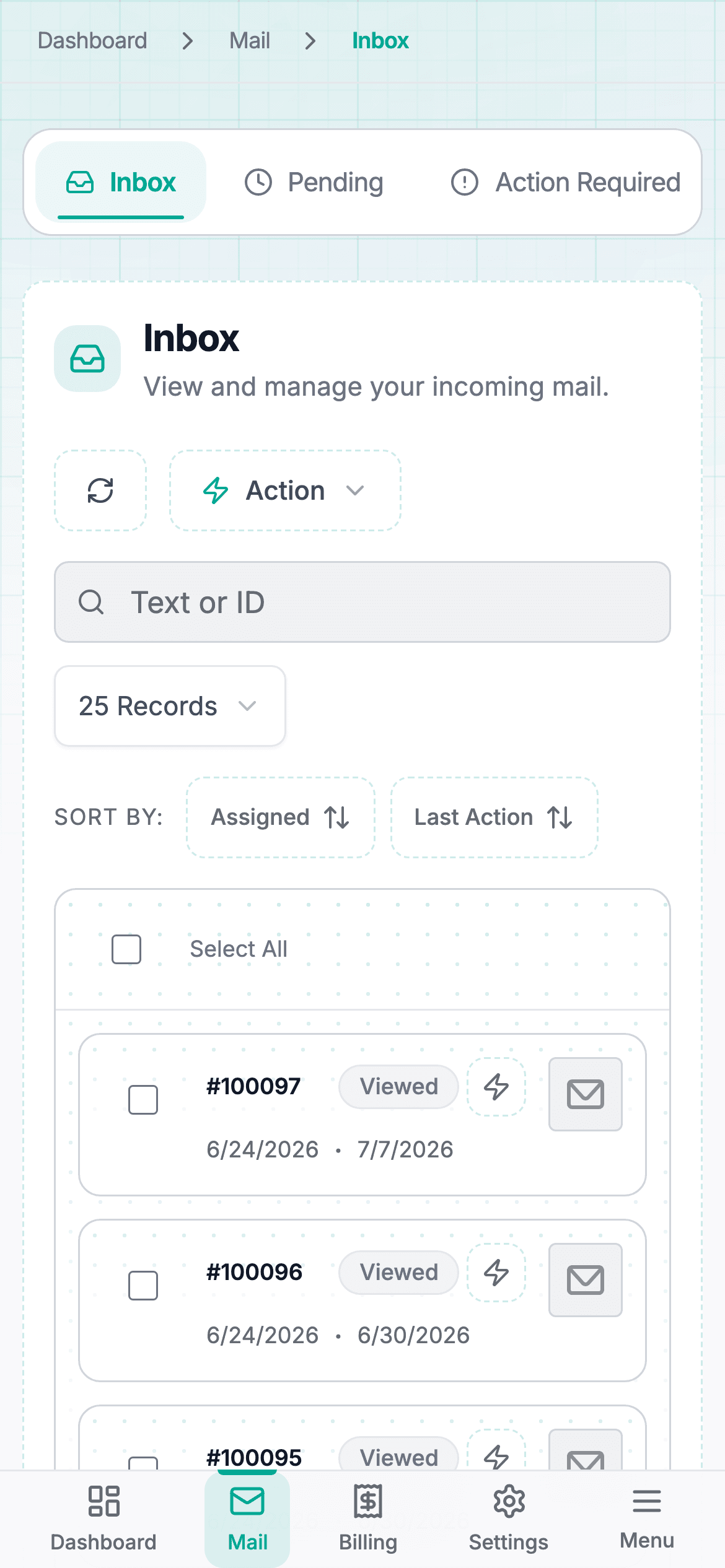
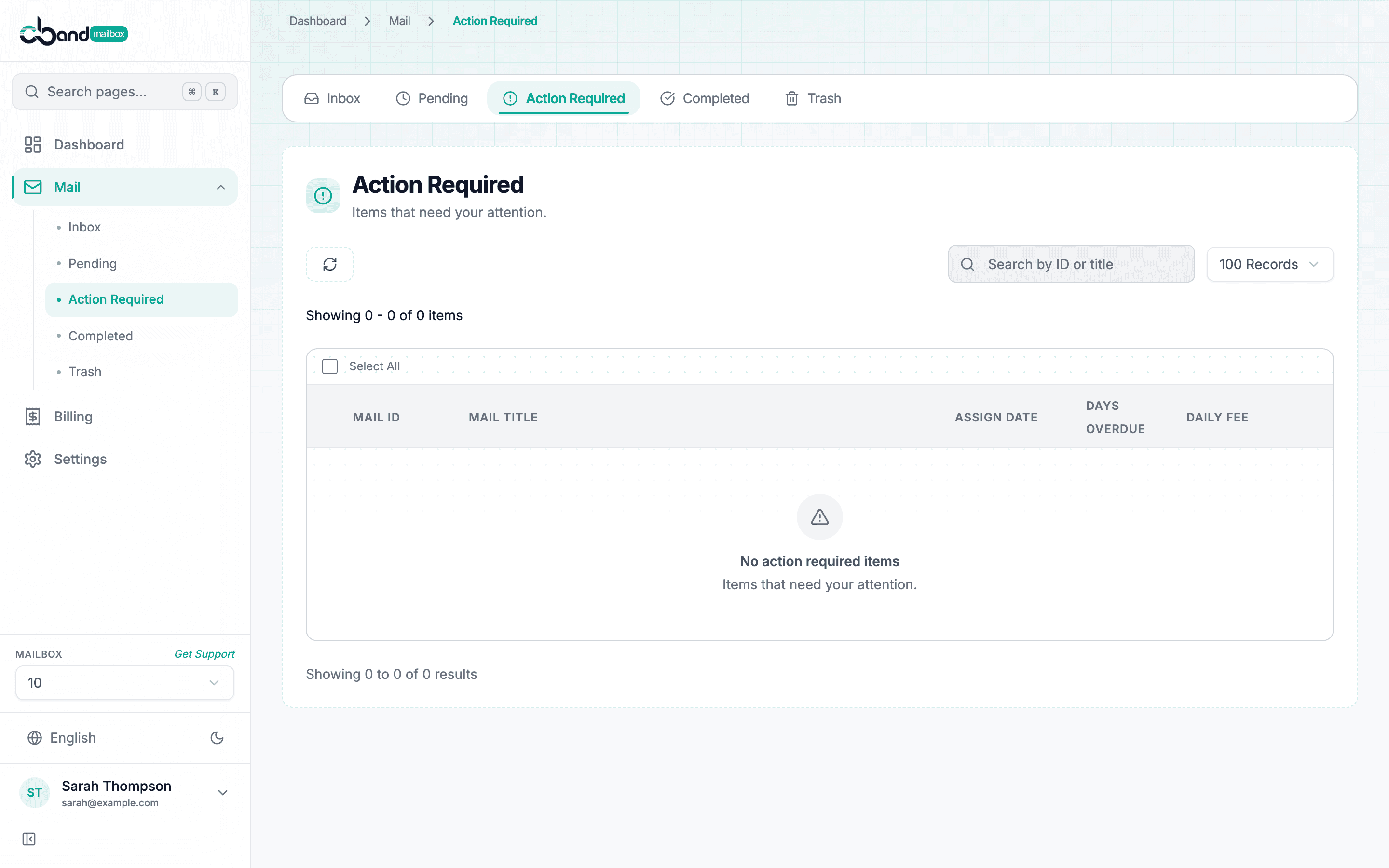
Start ForwardingRequest a scan, a forward or shredding from your dashboard and track every request to the finish.
Forwarding with the carriers your location has enabled
Email, on by default, when your forward request is completed
Several items in one forward request
Package forwarding is a service that receives your parcels at a street address in Canada and ships them on to an address you choose: another Canadian city or, where the location ships there, a US address or another international destination. Instead of being limited by where a retailer ships, you use the partner location's address as the delivery address and forward the parcel from there. For Canadians, package forwarding covers several common situations: cross-border shoppers who want purchases sent to one address, snowbirds who spend winters in the United States, and people living abroad who still receive parcels in Canada. With C-Band Mailbox, each partner location ships with the carriers it has enabled; most partner locations accept parcels from the major carriers, such as Canada Post, UPS, FedEx, Purolator and DHL; check the location page. When a parcel arrives at your partner location and the location logs it, it appears in your dashboard. From there you choose what to do: forward it to a saved address, leave it at the location for now, or request a pickup. When you submit a forward request you choose a service preference and can attach your own prepaid label; the location picks the carrier and sets the shipping and handling amount. For cross-border shipments, customs clearance follows the carrier's process for the service used. Whether you shop across the border, live abroad or receive supplies from international vendors, the request steps are the same at every location.

Package forwarding is popular among Canadians and cross-border shoppers such as:
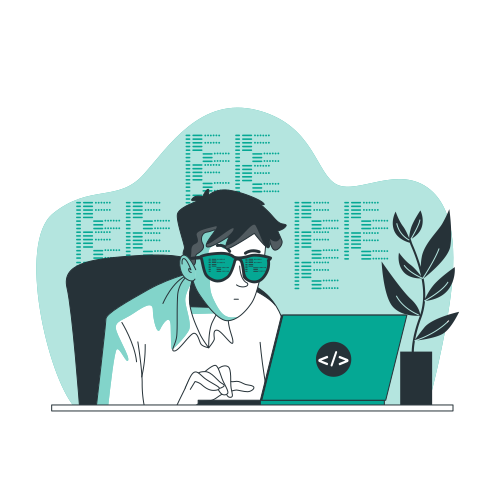
Shop from Canadian retailers that do not ship to your country by using a forwarding address at a partner location in Canada, then forward your purchases to a saved address where the location ships.
Heading south for the winter? Forward the mail and parcels that arrive at your partner location to your US address while you are away, where the location ships there.

Receive supplier deliveries and parcels from customers at one address and forward them from your dashboard.

Living outside Canada but still receiving important mail at home? Forward government notices, documents and personal correspondence from your Canadian virtual mailbox address to the country where you live, where the location ships there.

Receive packages at one central address and forward them to branch offices, warehouses or remote team members across Canada. Forward supplier deliveries when you choose.
From receiving to shipping, each step is a request you place - forwarding made simple.
Create your account and receive a real street address at the partner location you choose. Use it for online shopping, business correspondence or as your Canadian mailing address once your account is approved.
Use your C-Band address as the shipping destination when shopping online or give it to anyone who needs to send you parcels. Most partner locations accept parcels from the major carriers, such as Canada Post, UPS, FedEx, Purolator and DHL; check the location page.
When your parcel arrives, the location logs it and it appears in your online dashboard.
Decide what happens next: forward to a saved address, leave it at the location for now (storage allowances are set by your plan), or request a pickup. Several parcels from the same location can go in one forward request.
Choose a service preference and submit. The location picks the carrier, sets the shipping and handling amount and completes the request; you receive an email, on by default, and the parcel moves to Completed in your dashboard.
Everything you need to know about package forwarding in Canada.
Can't find your answer? Contact us→